The Monitor Is Too Low and the Chair Is Wrong
That is the diagnosis for roughly 90% of home office setups. A proper ergonomic configuration aligns the eyes with the top third of the screen, keeps the elbows at 90 degrees, and plants the feet flat on the floor. Everything else in this guide serves those three positions.
Working from a laptop on a dining table guarantees neck and lower back pain within weeks. The screen is too low, forcing the neck into flexion. The table is the wrong height, forcing the shoulders to compensate. The chair has no lumbar support, letting the lower spine collapse into a C-curve that compresses discs. The fix requires three things: a dedicated chair, an external monitor (or a laptop stand with a separate keyboard), and 20 minutes of setup time.
We consulted with physical therapists and ergonomists to build a universal checklist for a pain-free workspace. Every recommendation includes specific products, dimensions, and prices.
The Chair: Foundation of Everything
The chair determines spinal alignment, hip angle, and circulation. A $1,500 standing desk paired with a dining chair is a waste of $1,500.
Seat Height
Adjust the seat until both feet rest flat on the floor with the knees bent at 90 degrees. The thighs should be roughly parallel to the floor. If the desk is too high and the chair must be raised to match, add a footrest. Do not let feet dangle. Dangling feet compress the backs of the thighs, restricting blood flow and causing numbness.
The ErgoFoam Adjustable Foot Rest ($35) sits under the desk and provides a stable, angled platform. It adjusts from 3.9 to 5.1 inches (10 to 13 cm) in height.
Seat Depth
Sit all the way back in the chair. There should be 2 to 3 fingers of space (roughly 2 inches / 5 cm) between the back of the knees and the front edge of the seat. If the seat pan is too long, it presses into the backs of the knees and restricts circulation. If too short, it provides insufficient thigh support.
Most office chairs have a non-adjustable seat depth. When buying, check the seat pan depth measurement and compare it to thigh length (measured from the back of the hip to the back of the knee). For most adults, a seat depth of 16 to 18 inches (40 to 46 cm) works.
Lumbar Support
The lower spine has a natural inward curve (lordosis). Without support, sitting collapses this curve into a rounded, flexed position that stresses the lumbar discs and surrounding ligaments.
Adjust the lumbar support to fit the natural curve of the lower back. The pad or mechanism should press gently into the small of the back, roughly at belt level. It should encourage an upright posture without pushing aggressively forward.
If the chair lacks built-in lumbar support, an aftermarket lumbar pillow works well. The Everlasting Comfort Lumbar Support Pillow ($33) uses memory foam and straps to any chair.
Chair Recommendations by Budget
| Chair | Price | Key Feature | Best For |
|---|---|---|---|
| HON Ignition 2.0 | $350 | Adjustable arms, lumbar, seat depth | Best value under $500 |
| Autonomous ErgoChair Pro | $499 | Full adjustability, mesh back | Mid-range all-rounder |
| Steelcase Leap V2 | $1,279 (new), $500 to $700 (refurb) | LiveBack technology, 12-year warranty | Best overall ergonomic chair |
| Herman Miller Aeron | $1,395 (new), $600 to $900 (refurb) | PostureFit SL, mesh seat and back | Hot climates, long sessions |
| IKEA Markus | $229 | High back, basic adjustability | Budget-conscious, basic needs |
The refurbished market is the smart move for premium chairs. A refurbished Steelcase Leap V2 at $600 delivers 95% of the new chair’s performance with a 5-year warranty from most refurbishers. Crandall Office Furniture and Madison Seating are two reputable sources.
The Desk and Keyboard Position
Desk Height
Standard desk height is 29 to 30 inches (74 to 76 cm). This works for people between 5’8” and 5’10” (173 to 178 cm). Taller or shorter users need an adjustable-height desk or a keyboard tray to compensate.
The test: sit in the chair with feet flat and elbows at 90 degrees. Place hands on the desk surface. If the shoulders shrug upward, the desk is too high. If the elbows angle below 90 degrees, the desk is too low. The correct position feels effortless. Shoulders drop naturally. Forearms float at desk level.
Keyboard and Mouse Placement
The keyboard sits directly in front of the body, close enough that the elbows remain at 90 to 100 degrees and stay tucked near the sides. Reaching forward for the keyboard pulls the shoulders out of alignment. A keyboard tray mounted under the desk provides the ideal height and angle for most setups.
The 3M Keyboard Tray with Knob Adjust ($130) mounts under any desk at least 1 inch (2.5 cm) thick and allows precise height and tilt adjustment.
The mouse sits immediately adjacent to the keyboard. No gap. Reaching sideways for a mouse placed 6 inches from the keyboard strains the shoulder and rotator cuff over time. Keep both input devices within the shoulder-width zone.
Wrist Position
Wrists stay straight and neutral while typing. Not angled upward (extension). Not angled downward (flexion). Not tilted sideways (deviation). Sustained non-neutral wrist positions compress the carpal tunnel and contribute to repetitive strain injuries.
If the keyboard sits flat on the desk and wrists naturally angle upward, a wrist rest helps. The 3M Gel Wrist Rest ($15) supports the heel of the palm during pauses but should not be used while actively typing. During active typing, the wrists float above the keyboard.
Keyboard feet (those flip-out legs on the back of most keyboards) are counterproductive for most people. They tilt the keyboard away from the user, forcing wrist extension. Leave them flat unless the desk surface already tilts toward the user.
Monitor Position
Height
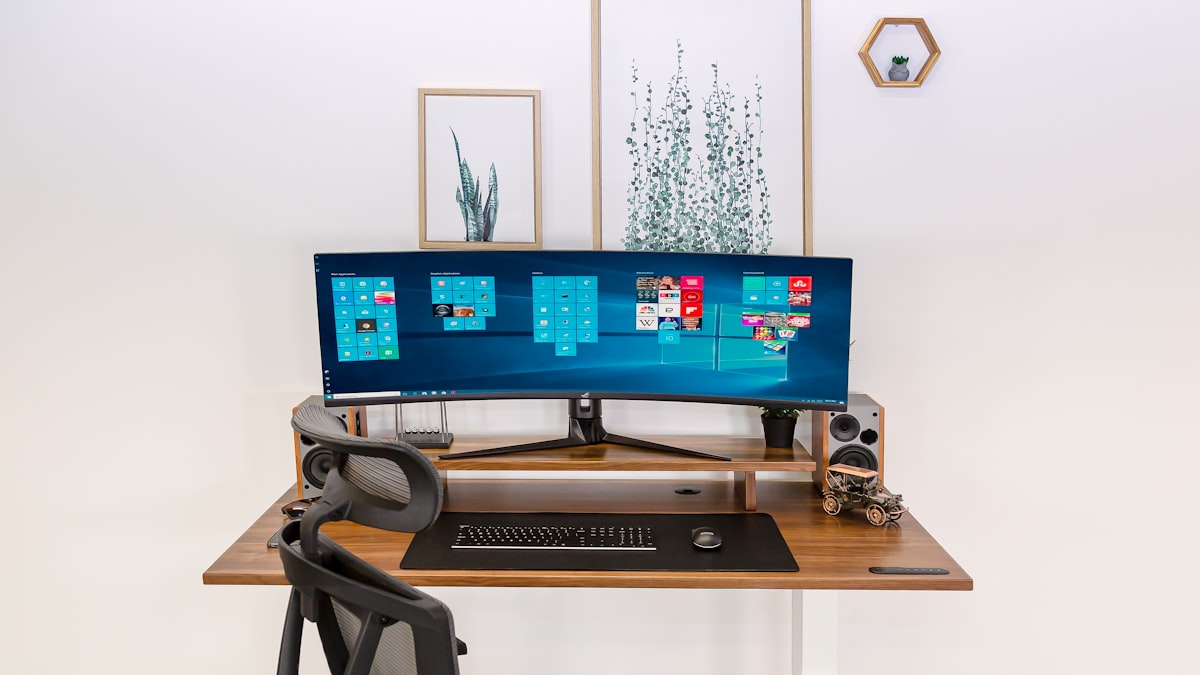
The top edge of the monitor screen should sit at or slightly below eye level. Looking at the center of the screen, the eyes should angle slightly downward (about 15 to 20 degrees below horizontal). This position keeps the neck in a neutral alignment rather than flexed downward (laptop position) or extended upward (monitor too high).
A monitor arm provides infinite height adjustability and frees up desk surface underneath. The Amazon Basics Monitor Arm ($110) supports monitors up to 25 pounds and 32 inches. The Ergotron LX ($180) is the more robust option for heavier or larger displays.
For a simpler solution, a monitor stand or riser raises a monitor by 3 to 6 inches. The Grovemade Walnut Monitor Stand ($120) is the premium option. A stack of books does the same job for free.
Distance
Place the monitor roughly one arm’s length away: 20 to 30 inches (50 to 76 cm) from the eyes. At this distance, text at 12 to 14-point size should be readable without leaning forward or squinting. If text is hard to read, increase the font size or display scaling rather than moving the monitor closer. Moving the monitor closer forces the eyes to converge more aggressively, which accelerates fatigue.
Dual Monitor Setup
| Configuration | Best For | Alignment Rule |
|---|---|---|
| One primary, one secondary | Coding, writing with reference material | Primary centered, secondary angled 30 degrees to the side |
| Both used equally | Trading, spreadsheet comparison | Both angled inward, meeting at the centerline of the body |
| Stacked (upper/lower) | Limited desk width, video editing | Primary at eye level, secondary tilted down above it |
The key rule: the most-used screen sits directly in front of the face. Spending 8 hours with the neck rotated 15 degrees toward an off-center primary monitor causes neck and upper back pain within weeks.
Laptop Ergonomics
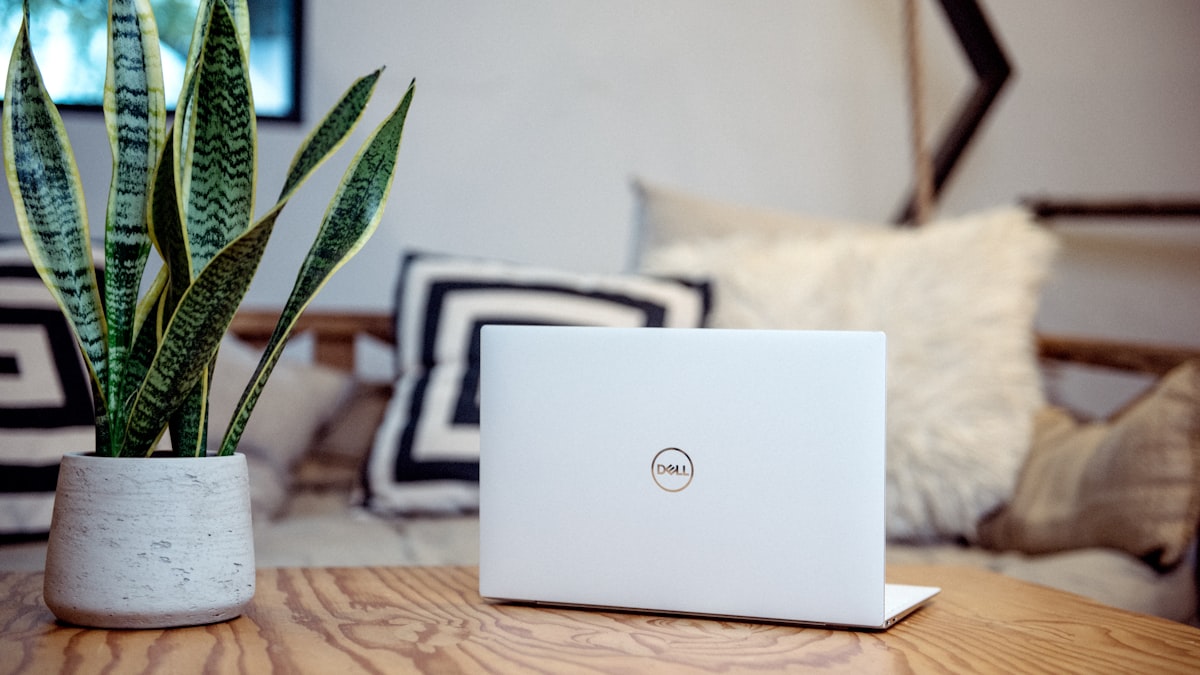
A laptop is an ergonomic compromise. The screen and keyboard are attached, so the screen is always too low when the keyboard is at the correct height, and the keyboard is always too high when the screen is at eye level.
The solution is separation. Elevate the laptop to eye height using a stand, then use an external keyboard and mouse at desk height.
The Roost V3 Laptop Stand ($75) is the lightest and most portable option at 5.8 ounces (164 g). It raises the laptop screen 6 to 12 inches (15 to 30 cm) above the desk. The Rain Design mStand ($50) is a solid aluminum option for permanent desk setups.
Pair the stand with any full-size external keyboard. The Apple Magic Keyboard ($99) and Logitech MX Keys ($100) are the two most popular options. Both maintain a low profile that supports neutral wrist positioning.
The Ergonomic Checklist
Print this. Tape it to the wall. Check every position.
| Body Part | Target Position | Common Mistake |
|---|---|---|
| Feet | Flat on floor or footrest | Dangling (chair too high) |
| Knees | At or slightly below hip level | Knees above hips (chair too low) |
| Hips | Against the back of the chair | Sliding forward on seat |
| Lower back | Supported by lumbar mechanism | Rounded, unsupported C-curve |
| Elbows | 90 to 100 degrees, tucked at sides | Extended forward, reaching for keyboard |
| Wrists | Straight and neutral | Angled upward (extension) |
| Shoulders | Relaxed, dropped naturally | Shrugged upward (desk too high) |
| Eyes | Level with top third of screen | Looking down at laptop (neck flexion) |
| Screen distance | 20 to 30 inches (50 to 76 cm) | Too close (eye strain, convergence fatigue) |
Movement: The Missing Component
Even the best ergonomic setup causes stiffness if the body remains static for 8 hours. The human body was not designed for sustained sitting. It was designed for movement with occasional rest, not rest with occasional movement.
The 20-20-20 Rule
Every 20 minutes, look at something 20 feet away for 20 seconds. This relaxes the ciliary muscles inside the eyes that maintain focus on the screen. It is the simplest and most effective way to prevent eye fatigue.
Stand-Up Intervals
Every 30 to 60 minutes, stand up and move for 2 minutes. Walk to the kitchen. Stretch. Do a few air squats. The goal is not exercise. The goal is circulation. Sitting compresses the hip flexors, hamstrings, and spinal discs. Standing decompresses them.
A sit-stand desk makes this transition seamless. The IKEA Bekant sit-stand desk ($549, 63 x 31 inches / 160 x 80 cm) is the most affordable electric option with reliable motor quality. The Uplift V2 ($599 and up) is the enthusiast pick with more size and customization options.
Three Stretches That Matter
Doorway chest stretch. Place forearms on both sides of a door frame at shoulder height. Step forward until a stretch is felt across the chest and front of the shoulders. Hold 20 to 30 seconds. This counteracts the forward-rounded shoulder posture that desk work creates.
Seated figure-four hip stretch. Cross one ankle over the opposite knee. Lean forward gently from the hips until a stretch is felt in the outer hip and glute. Hold 20 to 30 seconds per side. This releases the hip tightness that builds from prolonged sitting.
Chin tuck. Pull the chin straight back (not down) as if making a double chin. Hold 5 seconds. Repeat 10 times. This activates the deep neck flexors and decompresses the cervical spine, counteracting the forward head posture that develops from screen work.
Budget Tiers
Essential Setup ($200 to $400)
The minimum for a functional ergonomic workspace.
- IKEA Markus chair ($229)
- Laptop stand or monitor riser ($30 to $75)
- External keyboard ($30 to $100)
- External mouse ($25 to $60)
Total: roughly $314 to $464.
Mid-Range Setup ($600 to $1,200)
Meaningful upgrades that last years.
- Refurbished Steelcase Leap V2 ($500 to $700)
- Monitor arm ($110 to $180)
- 27-inch external monitor ($250 to $400)
- Keyboard tray ($80 to $130)
Total: roughly $940 to $1,410.
Premium Setup ($1,500 to $3,000)
The full professional workspace.
- Herman Miller Aeron or Steelcase Leap V2 new ($1,200 to $1,400)
- Sit-stand desk ($500 to $800)
- Dual monitor arms ($200 to $360)
- Quality external peripherals ($200 to $300)
Total: roughly $2,100 to $2,860.
The Investment Case
A quality ergonomic chair costs $500 to $1,400 and lasts 12 to 15 years. That is $33 to $117 per year. A physical therapy session for desk-related back pain costs $100 to $250 per visit, and most treatment plans run 6 to 12 sessions.
Prevention is cheaper than treatment. The math is not even close. One proper chair purchase eliminates a recurring problem that affects focus, sleep quality, and daily comfort for years.
Set up the chair first. Adjust the monitor second. Position the keyboard third. Then sit down and notice how different it feels when everything is in the right place. The body knows immediately. No pain. No strain. Just work.