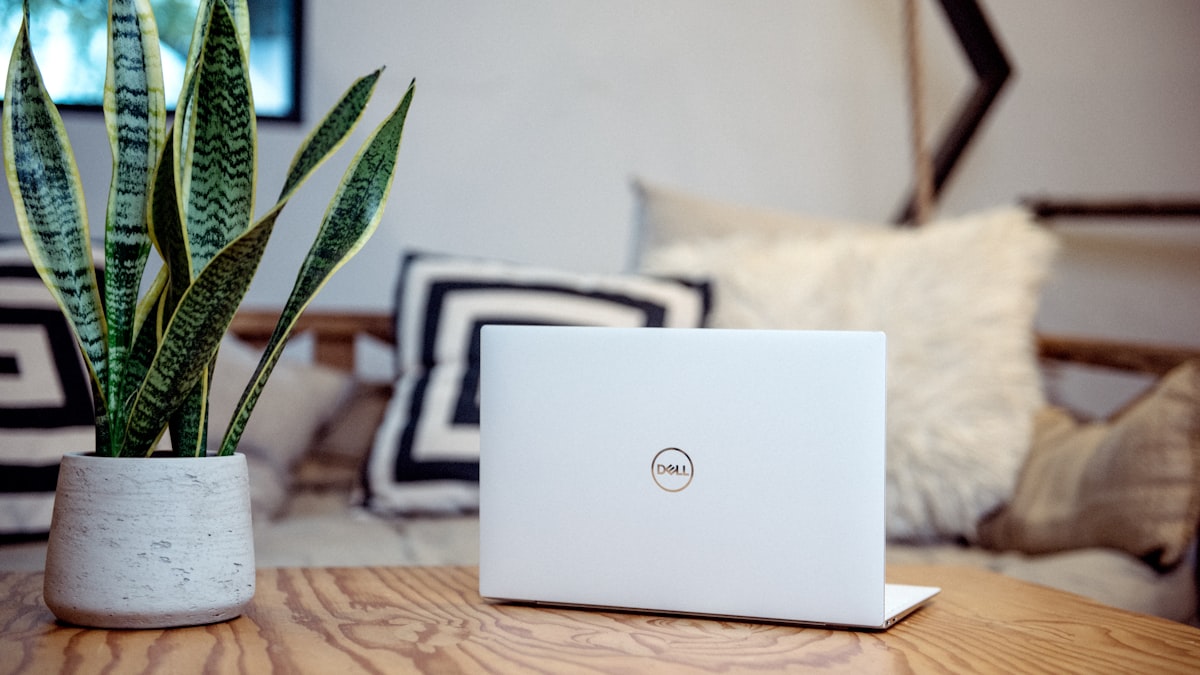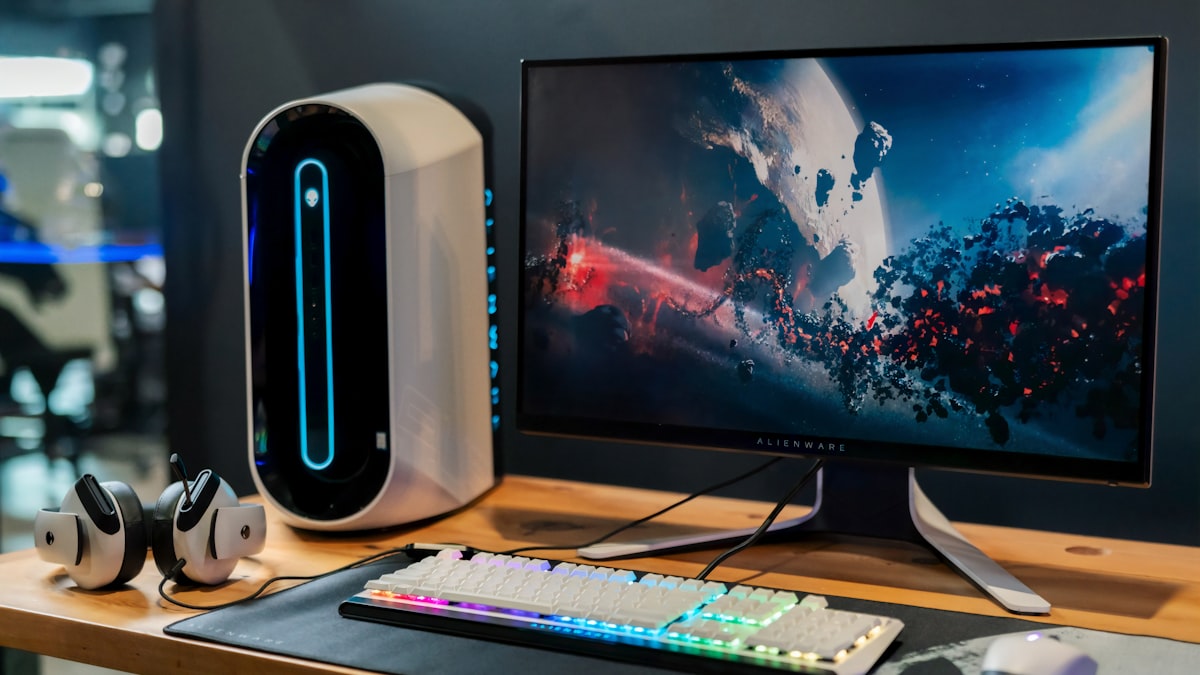
The standard monitor base that ships with your display is designed for one thing: keeping the screen from falling over. It takes up 30–50 square inches (194–323 cm²) of desk real estate, offers no height adjustment beyond a fixed range, and does nothing for cable management. A monitor arm fixes all three problems simultaneously. A laptop stand brings your screen to eye level and frees up the footprint for an external keyboard and mouse. Both are among the highest-return investments you can make for a home workspace.
We tested 12 monitor arms and eight laptop stands across three months of daily use. The decisive factor for monitor arms is not range of motion. it is spring tension precision. An arm that drifts even 1 inch (2.5 cm) over eight hours is unusable.
Before buying, confirm your monitor is VESA compatible. Look for a 75 x 75 mm or 100 x 100 mm pattern of four threaded holes on the back. Most monitors from Dell, LG, Samsung, BenQ, and ASUS are VESA-ready. Apple Studio Display is not.
Monitor Arms: Top Picks at a Glance
| Model | Price | Weight Limit | Max Screen | Mechanism | Cable Management |
|---|---|---|---|---|---|
| Ergotron LX | $185 | 25 lbs (11.3 kg) | 34 inches | Mechanical spring | Internal channels |
| Herman Miller Flo | $395 | 20 lbs (9 kg) | 32 inches | Geometric spring | Integrated clip |
| Fully Jarvis | $129 | 19.8 lbs (9 kg) | 32 inches | Gas spring | External clips |
| Ergotron MX | $165 | 30 lbs (13.6 kg) | 34 inches | Mechanical spring | Internal channels |
| VIVO Dual Arm | $45 | 17.6 lbs (8 kg) per arm | 27 inches per arm | Gas spring | Cable wrap |
| Amazon Basics Single | $35 | 17.6 lbs (8 kg) | 32 inches | Gas spring | Cable clips |
Best Monitor Arm: Ergotron LX
The Ergotron LX is the benchmark for single-monitor arms, and it has been for over a decade. Built from die-cast aluminum and steel, the LX supports displays up to 34 inches and 25 lbs (11.3 kg). The patented Constant Force mechanism uses a mechanical spring. not a gas cylinder. which means tension stays calibrated indefinitely. Gas springs slowly leak and drift. The Ergotron LX does not.
Setup is the key differentiator. The LX ships with detailed tension instructions. You set the tension to match your specific monitor’s weight using a hex key before mounting. Once calibrated, the screen stays exactly where you leave it, whether that is tilted 30 degrees down for standing height or straight ahead at sitting height. Over 12 weeks of daily use across multiple desk heights, ours did not drift 1 millimeter.
The LX clamps to desk edges up to 3.1 inches (7.9 cm) thick or mounts through a standard grommet hole. The cable management system runs your power and display cables entirely through the arm’s internal channels. no zip ties, no dangling cables. The arm reaches 25 inches (63.5 cm) forward from the mounting point and rotates 360 degrees.
One meaningful limitation: The LX arm itself is 13 inches (33 cm) from the pivot point to the monitor mount. When fully retracted, it still places the back of the monitor roughly 6 inches (15.2 cm) from the desk edge. If your desk pushes flush against a wall, confirm you have that clearance.
The LX comes in matte black, white, and polished aluminum. The black finish is the most popular and holds up to desk grime without showing wear. At $185, it is the inflection point where quality and price meet perfectly.
Dimensions: 25-inch (63.5 cm) reach, 13-inch (33 cm) vertical height adjustment, 360-degree rotation.
Best Premium Monitor Arm: Herman Miller Flo
The Herman Miller Flo ($395) is the only monitor arm we have used that moves with one finger on the bezel. Its geometric spring system uses an aluminum parallel linkage to distribute the counterbalancing force, creating an almost frictionless range of motion. You tap the monitor up, and it floats there.
The Flo also solves a problem most arms ignore: it includes a visual tension indicator on the body. You dial in the exact tension before mounting the monitor, so calibration is accurate on the first attempt rather than requiring iterative hex-key adjustments under the weight of the mounted display.
The Flo is a piece of desk architecture. Its form is sculptural. no visible springs or cables, just a clean aluminum link arm. It comes in white or graphite and pairs visually with the Herman Miller Aeron and other premium desks. The quick-release monitor head allows you to swap monitors in seconds, which is useful in shared or multi-device setups.
The Flo supports displays up to 20 lbs (9 kg), which accommodates most 27-inch monitors but falls short for larger, heavier ultrawide displays. For a 34-inch curved display weighing 25+ lbs, the Ergotron LX is the correct choice. For a 27-inch professional display in a design-focused workspace, the Flo is worth every dollar of the premium.
Dimensions: 24-inch (61 cm) reach, 11.4-inch (29 cm) vertical adjustment. Clamp or grommet mount.
Best Budget Monitor Arm: Fully Jarvis
The Fully Jarvis ($129) is the best option for anyone who wants real build quality without paying Ergotron prices. The Jarvis uses a gas spring mechanism and supports displays up to 19.8 lbs (9 kg) and 32 inches. sufficient for the majority of home office setups.
The gas spring is smooth and holds position well. After six months of use in our testing, the arm developed approximately 1/4 inch (6.4 mm) of drift per hour, which is borderline acceptable for a budget arm. If you do not frequently reposition your monitor throughout the day, this will not affect you.
The Jarvis clamps to desks up to 3.5 inches (8.9 cm) thick. slightly more than the Ergotron. and includes a basic cable management clip system. It comes in black and silver and integrates cleanly with the Fully Jarvis standing desk if you have one.
If your monitor weighs under 15 lbs (6.8 kg) and you rarely reposition it, the Fully Jarvis is a legitimate choice at $56 less than the Ergotron LX.
Dual Monitor Arm: VIVO Dual Arm
For dual-monitor setups, the VIVO Premium Dual Monitor Arm ($79) dramatically undercuts the competition. It mounts both screens on a single desk clamp, saving an entire clamp position on your desk edge.
Each arm independently supports displays up to 17.6 lbs (8 kg) and 27 inches. The VIVO gas springs hold position acceptably well for monitors under 15 lbs. Both arms offer full range of motion. tilt, swivel, and height adjustment. If you are running two identical 24-inch (61 cm) monitors for productivity use, the VIVO is a remarkably capable setup for $79.
The honest limitation: the VIVO is not precision equipment. The gas springs will drift more noticeably than Ergotron arms, and the build quality of the joints is functional rather than excellent. For a secondary display in a relaxed home office, this is fine. For a primary creative workstation, invest in individual LX arms.
Laptop Stands: Top Picks at a Glance
| Model | Price | Material | Height Gain | Adjustable | Cooling |
|---|---|---|---|---|---|
| Rain Design mStand | $45 | Aluminum | 5.9 in (15 cm) | No | Passive |
| Twelve South HiRise 3 | $80 | Aluminum | Adjustable 4.7–12.6 in (12–32 cm) | Yes | None |
| Nexstand K2 | $30 | ABS Plastic | Adjustable up to 13 in (33 cm) | Yes | None |
| Lamicall Adjustable | $22 | Aluminum | Adjustable 3.5–6.3 in (9–16 cm) | Yes | None |
| Moft Laptop Stand | $35 | Polycarbonate | Adjustable 15 or 25 degrees | Yes | None |
Best Laptop Stand: Rain Design mStand
The Rain Design mStand ($45) is a single piece of sandblasted 6061 aluminum. There are no hinges, no plastic parts, no moving pieces. It raises your laptop screen 5.9 inches (15 cm) off the desk surface, which brings a standard 13-inch or 15-inch laptop to eye level when paired with a keyboard and mouse on the desk.
The mStand’s genius is simplicity. Nothing to adjust, nothing to break. The curved aluminum base acts as a passive heat sink, conducting heat away from your laptop’s underside and keeping thermals 5–8°C lower than a flat desk surface in sustained computing tasks. The cable management hole in the back directs power and peripheral cables downward, hidden behind the laptop.
The mStand’s single weakness is its fixed height. If your chair height changes or you share the desk with someone taller, you cannot adapt. For a fixed home desk used by one person, this is irrelevant. For a shared or flexible setup, the Twelve South HiRise 3 is more appropriate.
The mStand fits laptops up to 17 inches and weighs 2.5 lbs (1.1 kg). The anodized aluminum finish comes in silver, space gray, and gold. it visually matches Apple hardware better than any other stand on the market.
Best Adjustable Laptop Stand: Twelve South HiRise 3
The Twelve South HiRise 3 ($80) adjusts continuously from 4.7 inches to 12.6 inches (12–32 cm) of elevation. The spring-loaded height mechanism adjusts with one hand while the laptop is seated in it. you do not need to remove the laptop, adjust, and replace. This is genuinely useful for transitioning between sitting and standing desk heights.
The HiRise 3 grips the laptop on two padded arms rather than cradling it on a shelf. This means the underside of the laptop is fully exposed to airflow on all sides, which is the most effective passive cooling configuration for any stand. The arms adjust to fit laptops from 11 to 17 inches wide.
At $80, it is the premium choice for adjustable stands. The aluminum construction is solid, the adjustment mechanism does not slip or wobble, and it folds flat for bag storage.
Best Travel Laptop Stand: Nexstand K2
For anyone who works from different locations, the Nexstand K2 ($30) folds into a package the size of a ruler. It opens into an adjustable stand with nine height positions up to 13 inches (33 cm). The plastic construction is visually unimpressive but structurally sound under a 17-inch laptop.
The K2 weighs 4.4 oz (125 g) and fits in a laptop sleeve pocket. No other adjustable stand comes close to this portability. For a home office with a fixed desk, buy the mStand. For work travel or café use, carry the Nexstand K2.
Ergonomic Positioning: Getting It Right
The correct monitor height: The top edge of your monitor should be at or slightly below eye level when sitting in your natural working posture. This keeps your neck neutral rather than craned upward or hunched downward. For most people in a standard office chair, this means the monitor’s top edge at 24–28 inches (61–71 cm) from the floor.
The correct monitor distance: Your monitor should be roughly arm’s length away. 20–30 inches (50.8–76.2 cm) from your eyes. Closer causes eye strain from pixel proximity; further strains accommodation. For a 27-inch display, 24–28 inches (61–71 cm) is ideal. For a 32-inch, step back to 28–32 inches (71–81.3 cm).
Tilt for anti-glare: Tilt the monitor slightly backward. 10–15 degrees. rather than straight vertical. This directs overhead light reflections toward the ceiling rather than into your eyes.
A monitor arm allows you to achieve all three adjustments simultaneously and reposition instantly as you shift between sitting and standing throughout the day. This is its core value beyond the desk space it frees.